If you’re using VotePro in your marketing mix, you need to the most up-to-date information on what Voter Actions are live at any given time.
Lucky for you, we compiled all that data and threw it into the table below!
We will keep this page updated as soon as we make changes to VotePro’s API, that way you can make informed decisions every time you push voters to your VotePro instance.
If you want to learn more about how to implement these Voter Actions in your campaigns and how we keep the tool updated, scroll past the table and keep reading!
What Are Voter Actions?
A Voter Resource (or GOTV Method) is an action taken by the end-user on your VotePro instance. For example, if you are running an Early Vote ad in Phoenix, you need to know if people completing actions will actually see correct information on how to vote early in Arizona. The below table will give you that information.
There are two main flows to how Voter Resources can be implemented into a VotePro instance:
Personalized Voter Portal
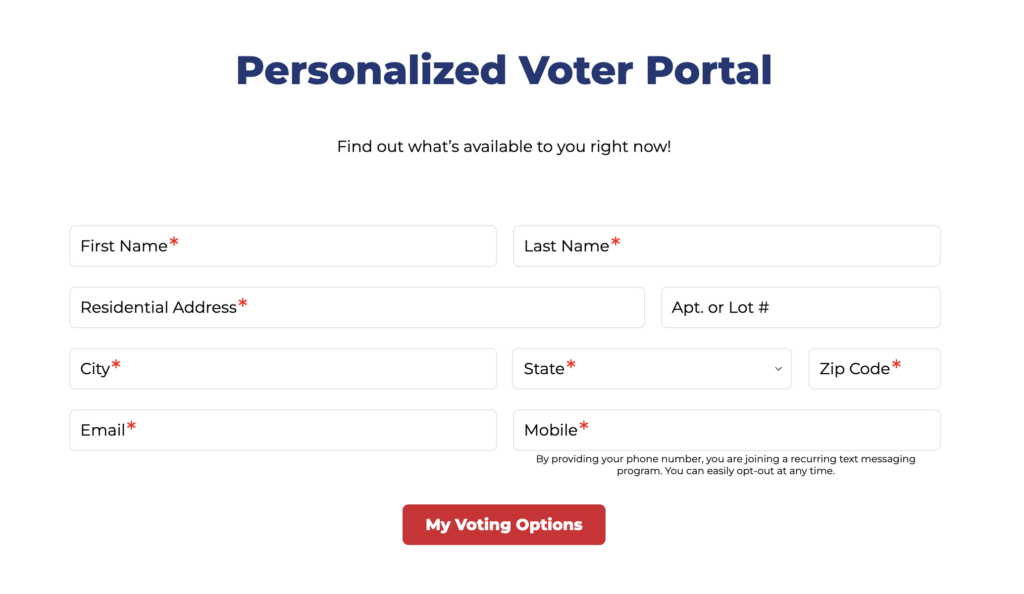
The easiest way to get voters engaged is to lead with the information they provide to you. When they hit “My Voting Options”, their information is then sent to our API and we provide the Voter Actions that are currently available to them.
These actions will match the content in the table above.
Voter Action Buttons
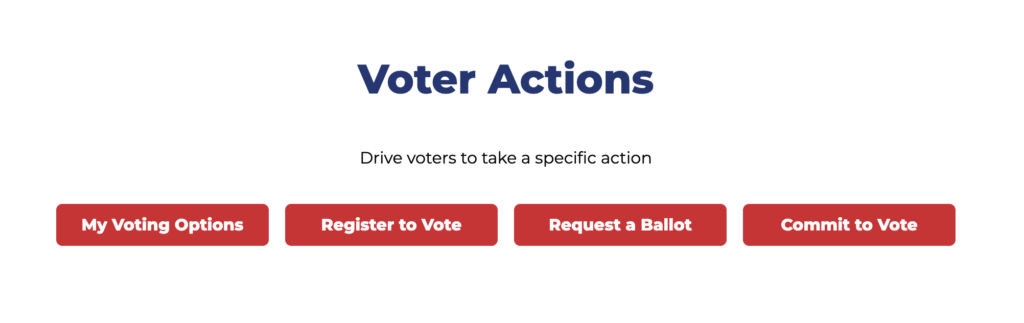
Sometimes you want to lead with actions. This is particularly useful if you’re pushing traffic to a specific page in your VotePro instance from your marketing channels like email, SMS, or ads.
VotePro enables you to encourage voters to take the action most important to your campaign.
For example, if you are running ads for AB Chase in Pennsylvania because you have an audience of users who have requested their ballot but not returned it, you can create a specific page dedicated to that action.
Users would see information on how to return their ballot and all CTA’s would say “Return Your Ballot.”
Our Best Practices
Both of the above examples require you and your team to be informed on what the voter can actually do on VotePro at any given time. That’s why we provide this page to you as a resource.
But our team also has best practices to ensure voters have a smooth, cohesive experience regardless of what Voter Actions are live or not.
Automatic Routing
We already know that the most seamless VotePro experience is for a voter to fill out the personalized Voter Portal because it only shares the Voter Actions that are currently available to them.
But in the case of the other example, when you’re asking voters to take a specific action, what happens if it isn’t actually available?
Don’t worry, we thought about that and have you covered.
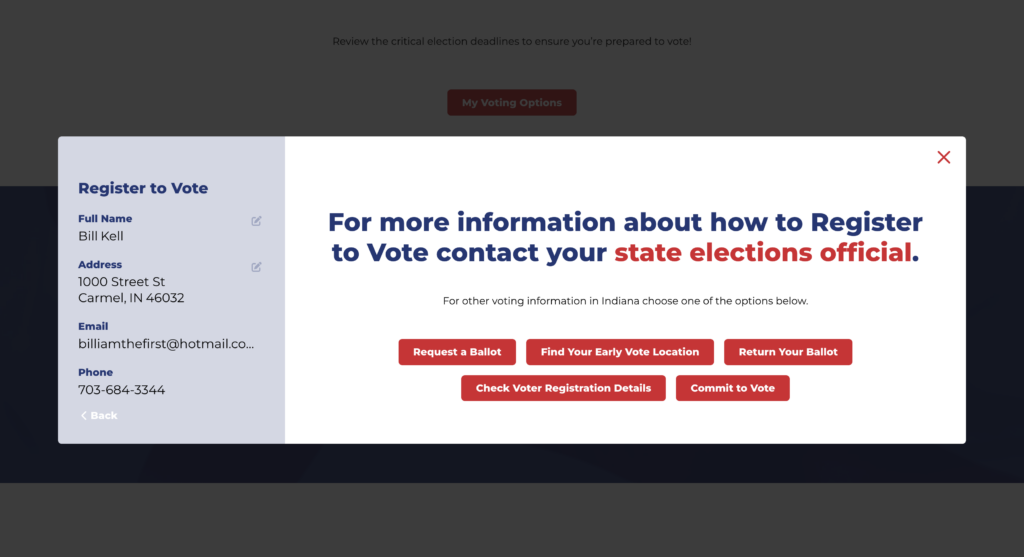
Voters are automatically routed to a Voter Action that is available to them, so they can continue down the funnel with no interruptions.
Three Always On Voter Actions
Sometimes your state doesn’t have the information we need to be confident in the resources we are providing, and other times it’s just the point in the cycle where there’s not much going on.
There are also situations (like the example campaign above) where you will have live pages pushing people to Voter Actions that may no longer be available.
In any of these cases, Commit to Vote, Check Your Registration, and a generic “Sign Up” method are always on and available. Commit is automatic and will show up regardless – the others can be manually added at any time.
Method to the Madness
If you’ve read this far, you must be truly committed to the cause – hats off to you! Now we really get into the weeds.
Below are some of the internal best practices we’ve set around several Voter Actions and when you can expect each to be live:
Voter Registration: VREG options remain live through the applicable deadline. If a mailed registration application has a “received by” deadline, we remove the mail option one week before that deadline.
Absentee Ballot Requests: Absentee ballot request information will remain available through the applicable request deadline. If a mailed request must be “received by” the deadline, we remove the mail request option one week before the deadline.
Return Your Ballot: In “Postmarked by” states, we leave “Return Your Ballot” info live through the “Postmarked by” deadline. In “Received by” states, we update the site one week before the deadline and focus on pushing people to drop-off options.
Early Voting: EV locations go live as soon as reliable location data becomes available through Google Civic or our other partners. This is true even if the EV period has not begun (we still want voters to be able to find information relevant to what they are looking for). Regardless, EV will be available 48 hours in advance – if no location data is available, we redirect to the applicable Secretary of State website.
Election Day: ED voting info goes live with either Google Civic data or a Secretary of State redirect two weeks before the election.